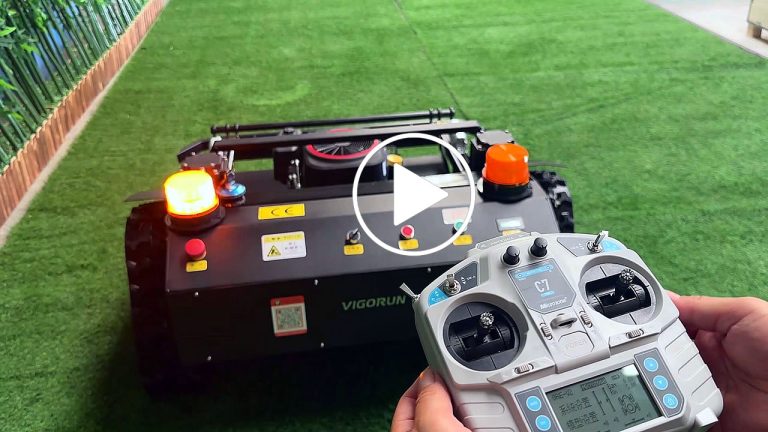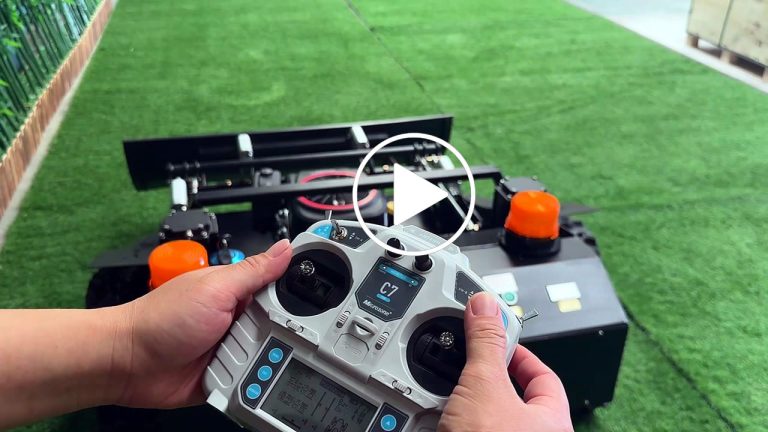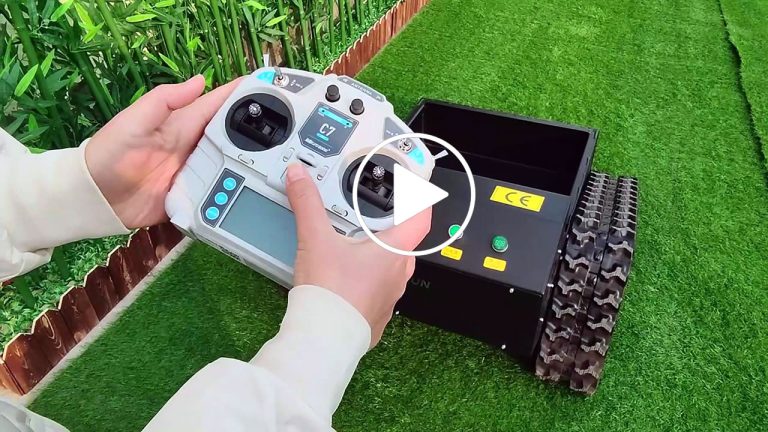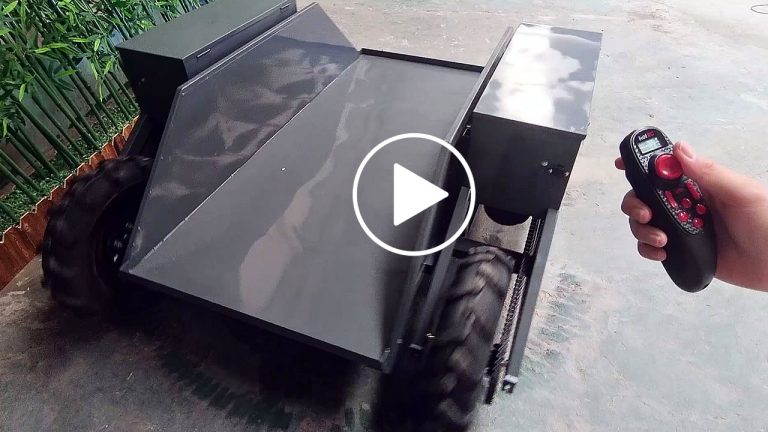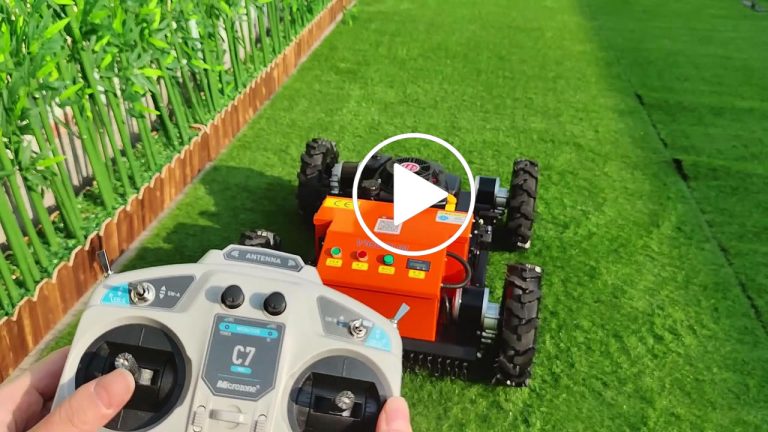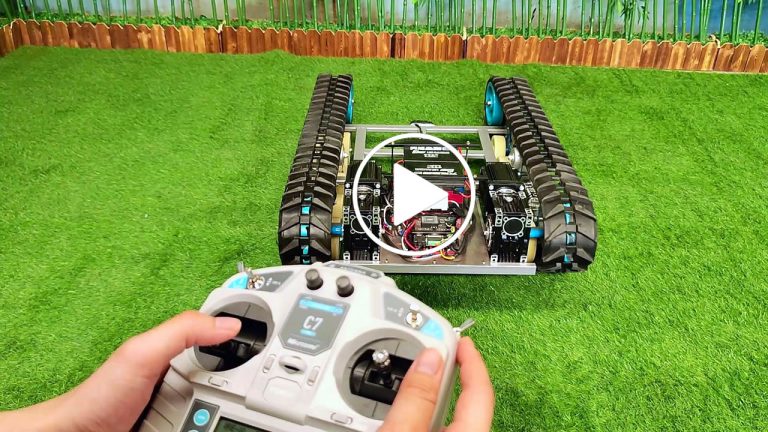
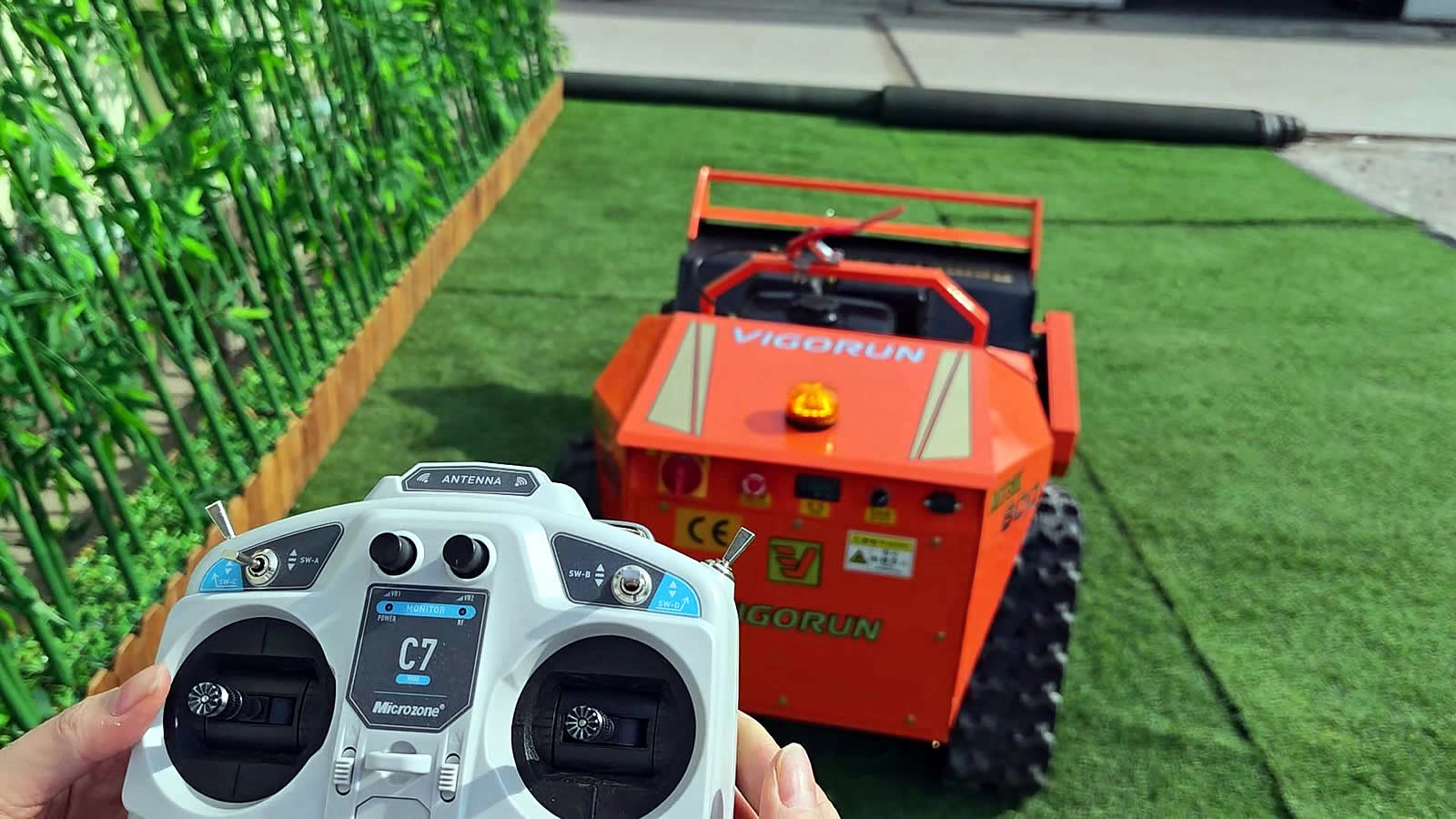
operation instruction of MTSK800 remote flail mower
Hi there! Welcome to our tutorial on how to use our awesome remote control flail mower.
In this video, we’ll cover everything you need to get started. Let’s dive in!
First, turn on the storage switch and rotate the emergency stop button.
Then charge it. The machine has consumed some power due to long-term transportation.
During transportation, we will turn it off to reduce battery loss.
To ensure safety, please check that all blades are properly secured before starting the machine. Do not stand in front of the machine when the engine is started.
To get started, turn on the power switch on the remote control
then turn on the power switch on the machine.
Let’s move this baby around now. Using the remote control, you can go forward, backward, left, and right with ease. It’s super simple!
This lever controls the speed of the machine. You can switch between high and low speed depending on your mowing needs.
Use this lever to set the cruise control.
Adjusting the cutting deck height can be done by using this lever right here. It makes it easy to customize your mowing experience.
Now let’s start the engine.
First, turn on the clutch handle.
Adjust the throttle to the appropriate position.
Then open the choke and damper.
Next, use this lever to start the engine.
And quickly push the damper and choke back to their original positions in sequence.
Then turn off the clutch handle.
The machine is now ready to use.
To stop the engine, just move this lever down. It will take a few seconds for the engine to stop, don’t worry.
Finally, to turn off the machine, switch off the power button on the machine itself,
Press the emergency stop button and turn off the storage switch.
Turn off the power switch on the remote control.
And that’s it!
You’re now ready to go out there and mow your lawn with ease.
Thanks for watching, and don’t hesitate to reach out if you have any questions!